OpenAI

MCPKit

Build authenticated MCP servers for your data

MCPKit provides a sample repo that helps teams safely connect data with ChatGPT or other MCP clients.
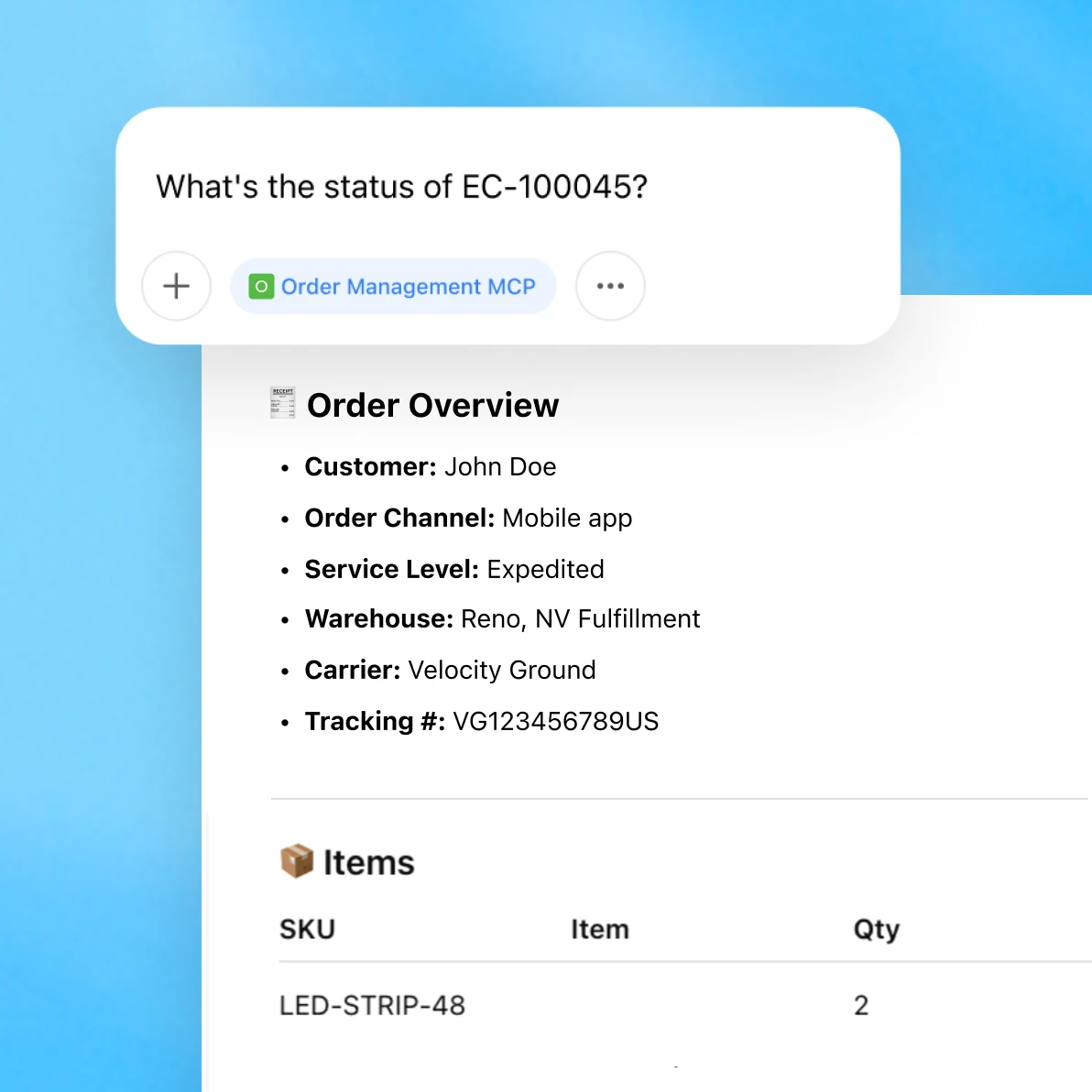
Chat interface showing an order status request for EC-100045 and detailed order overview with customer, service, warehouse, and tracking information.

A reliable foundation for MCP development

With MCPKit, you can quickly create new connections to ChatGPT with a secure, consistent setup.

terminal icon

Start with a proven foundation

Use a reference implementation aligned with the official MCP spec to build with confidence.

Dark interface illustrating privacy or data protection, featuring lock and shield icons.

Control data access

Custom authentication and access following recommended MCP authorization specifications.

Dark-themed ChatGPT logo on a gradient background.

Connect to ChatGPT

Optimized for use with ChatGPT through custom apps and developer mode.

Launch production-ready apps

Access the repo and reference architecture, then follow these three steps to get started.
Grid of six rounded icons on a blue gradient background, representing document, table, database, globe, folder, and code symbols.

Prepare your data source

Structure and index your data—vector stores, files, databases, S3, or APIs—and define query access rules.
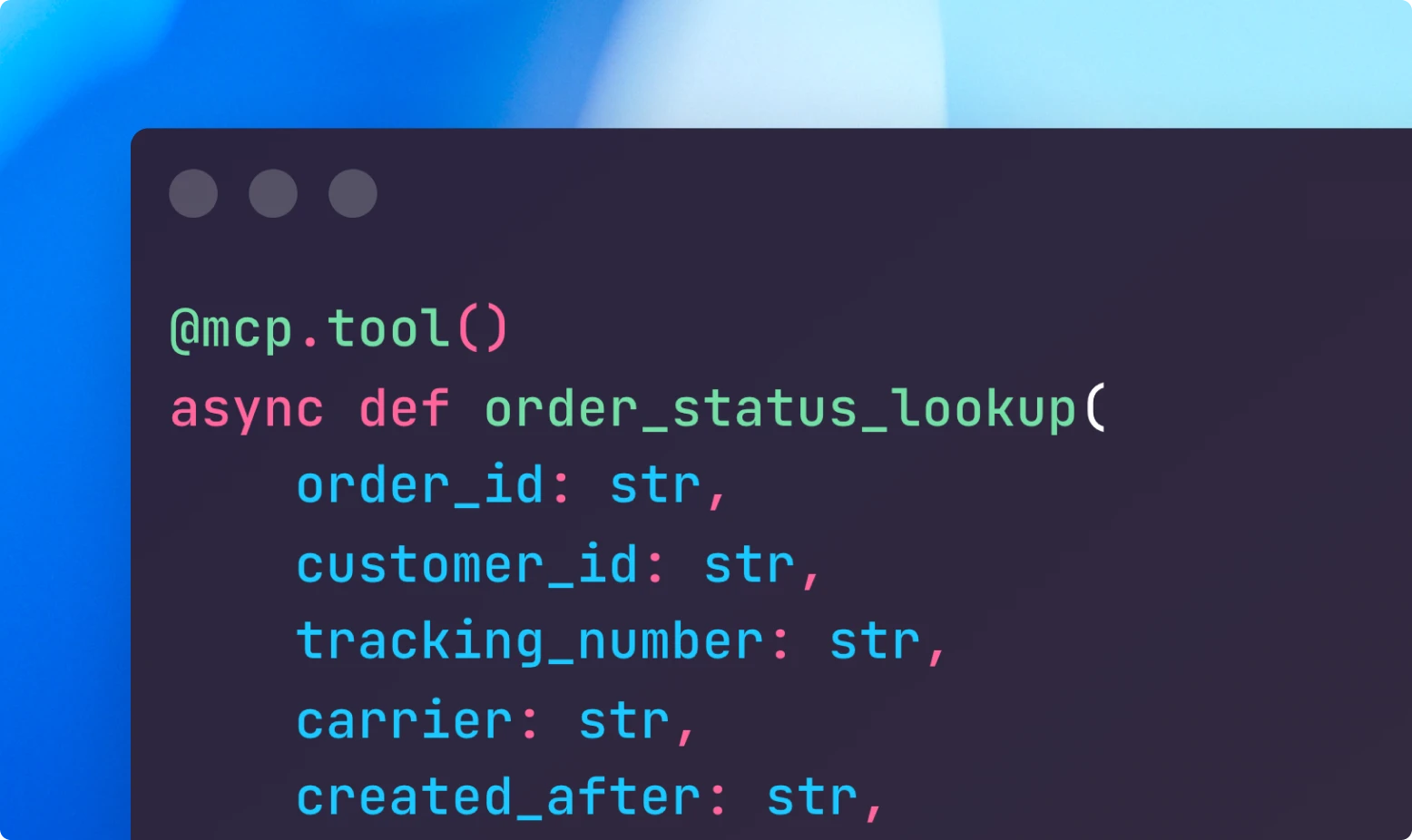
Code editor showing a Python async function decorated with @mcp.tool() defining order_status_lookup with parameters for order ID, customer ID, and tracking number.

Configure the MCP server

Clone the repo, add entitlements, and update tool actions and error handling.
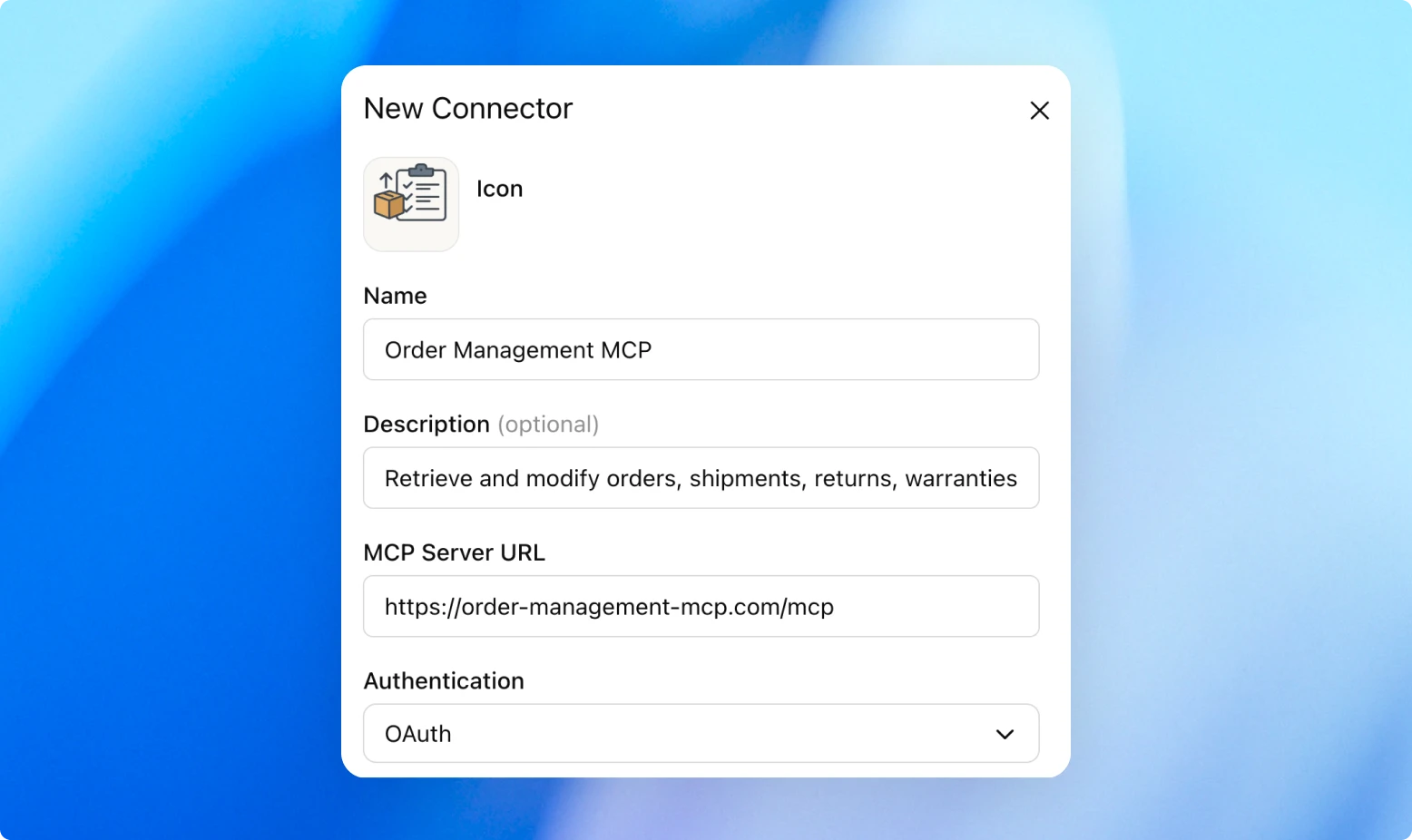
Form interface labeled New Connector for configuring an MCP connection named Order Management MCP, including description, server URL, and OAuth authentication.

Validate and deploy

Test locally with MCP Inspector, then register your app in ChatGPT with Dev Mode.

Power smarter workflows with your company’s data

Chat interface displaying a summary of the top five customer pain points reported in the last month, generated using the Customer Hub MCP connector, with a list of issues such as login failures, billing errors, and cancellation problems.
Chat interface showing an inventory management query using Inventory Operations MCP and Submit For Approval MCP to restock low-stock SKUs automatically.
Chat interface summarizing a request to compile a 1-page memo and slide brief on the global payments sector using multiple MCP connectors.

Use ChatGPT to pull info from documents, CRMs, logs, and APIs—with control and governance.