OpenAI

Knowledge Retrieval

Trusted answers, backed by your data

Knowledge Retrieval helps you build assistants that deliver reliable responses from your data—reducing search time and improving decision-making.
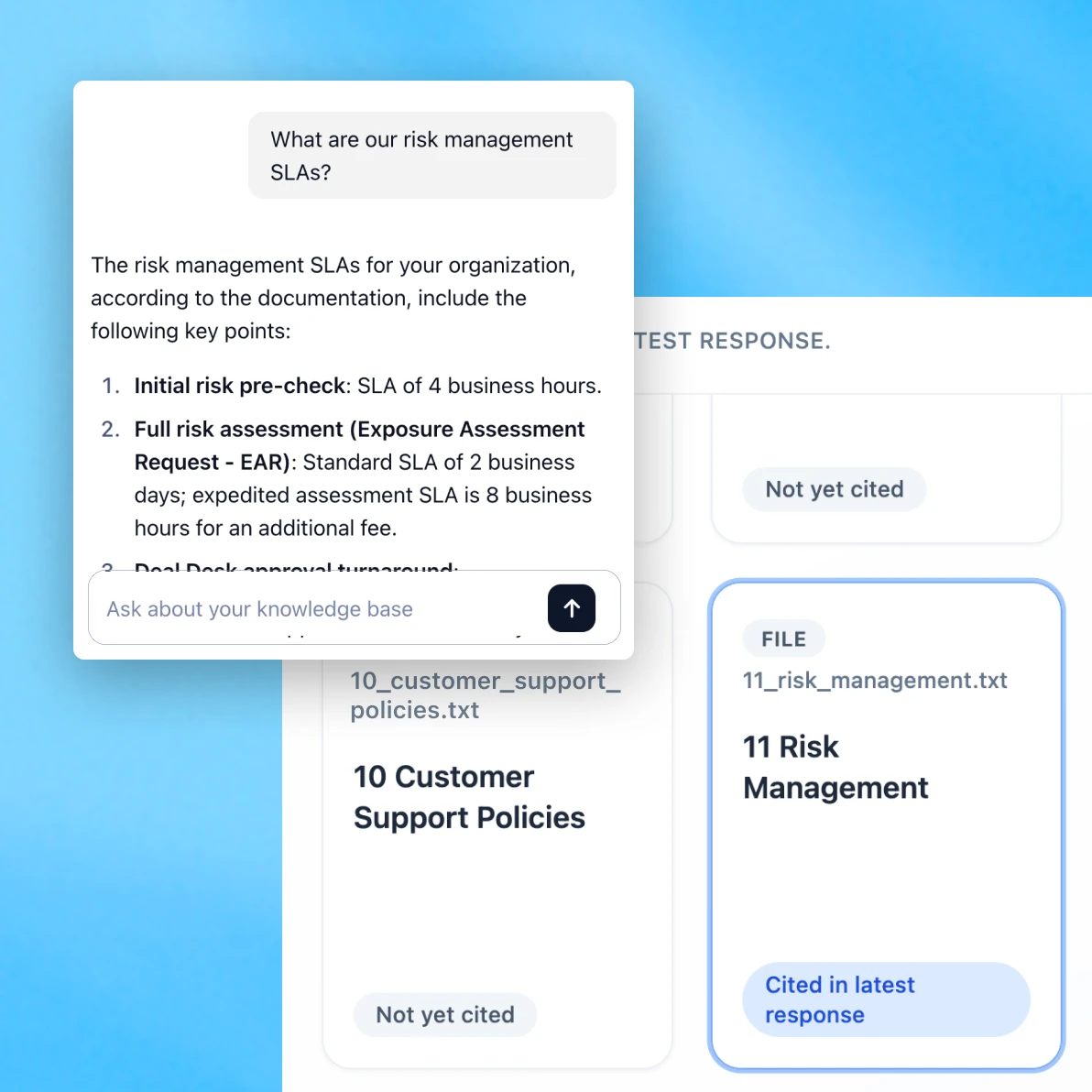
A chatbot interface answers a question about risk management SLAs, listing key points like initial risk pre-check and full risk assessment turnaround times. Beside it, a knowledge base panel shows related files such as “10 Customer Support Policies” and “11 Risk Management.” The background is light blue with soft gradients.

Build and scale with confidence

Agentic code icon

Start with a proven foundation

Build faster using reference architectures, pre-built UI, and tools that simplify setup and ensure consistent performance.

A stylized graphic showing a quote inside a white rounded box on a blue gradient background. The quote text appears in black, and there is a small circular icon or marker accent near the quotation, giving it a clean, modern design aesthetic.

Deliver trusted answers

Generate responses grounded in your data—with citations and evals for reliability.

Icon representing regulations

Flexible and secure

Run on OpenAI’s File Search, Agent and Chat SDKs, and Evals platform, or plug into your own stack.

Deploy trusted knowledge assistants faster

Access the repo and reference architecture, then follow these three steps to get started.
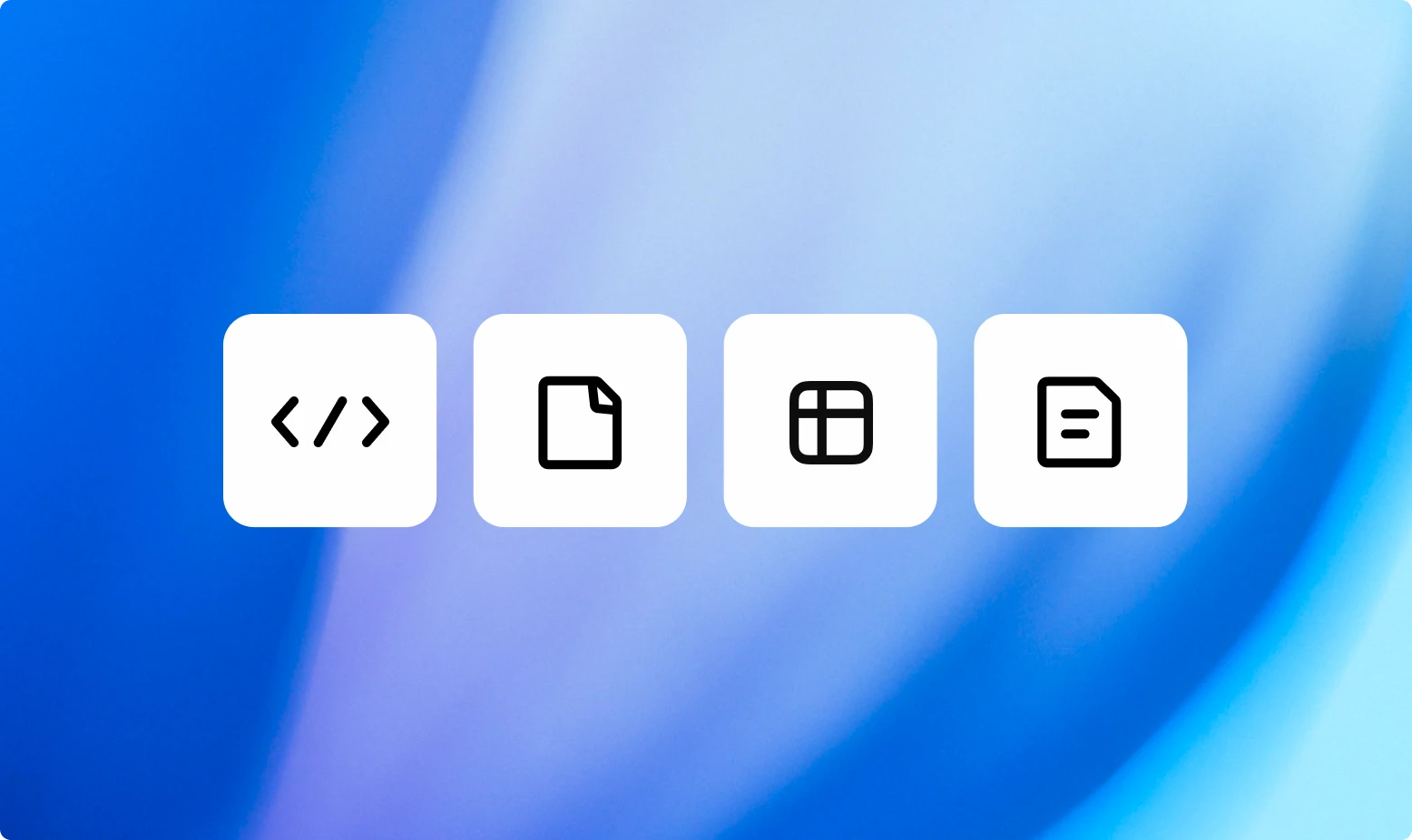
Four square white icons with black outlines sit against a smooth blue gradient background. The icons represent different data types: code brackets, a document, a table grid, and a text page.

Ingest your data

Embed data sources and documents into OpenAI’s vector store.
A full chat interface on a soft gradient background showing an AI explaining what a black hole is, with options to share or react at the bottom.

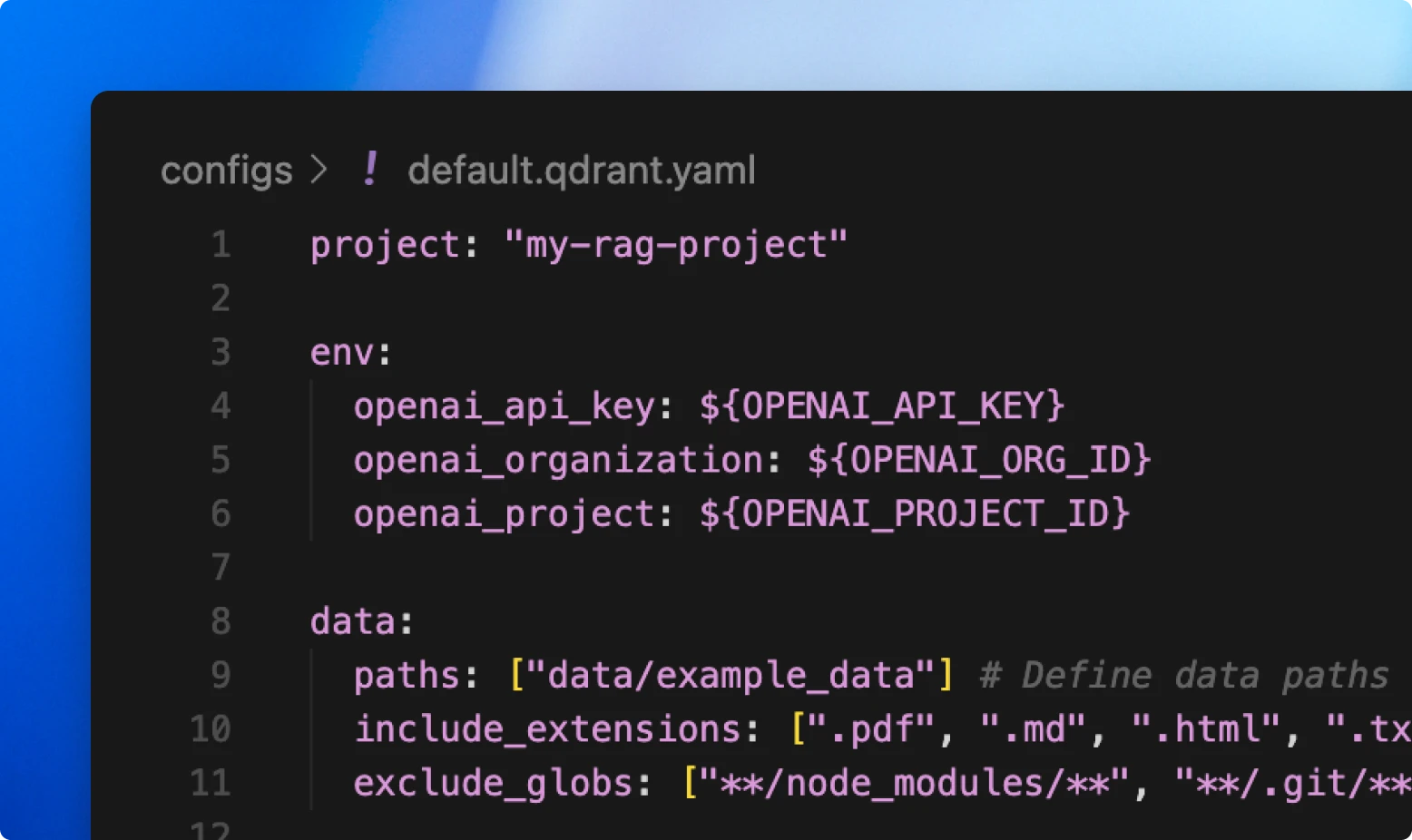
Configure retrieval and chat

Optimize how your data is chunked, indexed, and retrieved to deliver grounded answers.
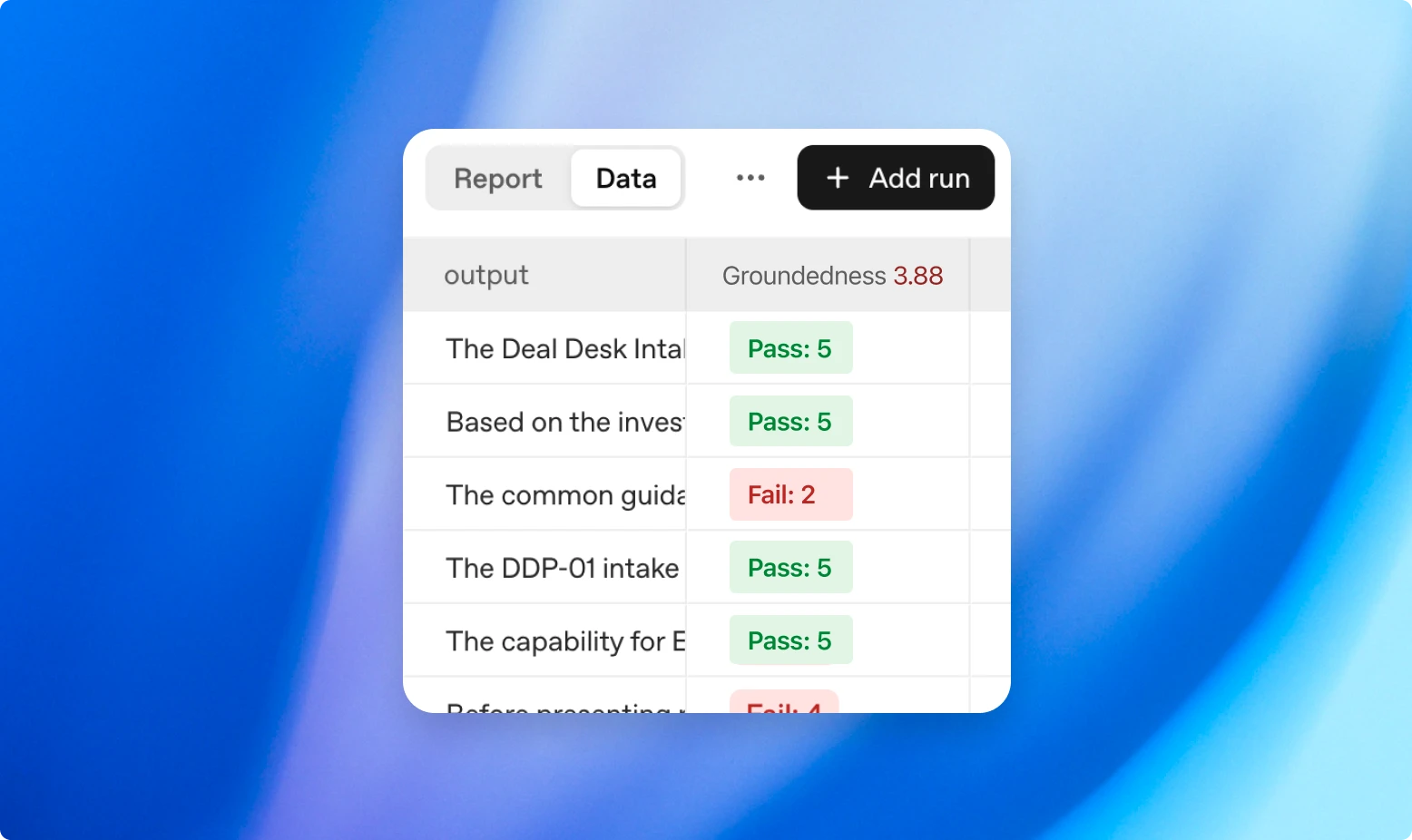
A table-style data interface shows a report view with a “Groundedness” score column displaying green “Pass” and red “Fail” status labels. The background has smooth blue and purple gradients.

Run evals and deploy

Generate evals to verify outputs, then ship with confidence.

Smarter answers for any team or customer

A mockup shows a chatbot answering an IT helpdesk question about setting up a VPN, listing setup steps. On the right, a panel titled “IT Helpdesk Assistant” displays cited sources like “Internal IT handbook” and “Network policy.” The background is blue and white.
A chatbot answers a customer question about switching to a new plan with a numbered list of steps. The right panel titled “Support Assistant” shows cited sources “Help Center” and “Subscriptions policy FAQ.” Background features a light blue gradient.
A chatbot provides steps for setting up automatic recurring investments, including navigation paths and setup options. The panel on the right, titled “Banking Advisor,” lists files “Wealth management help” and “Investment guidance.” The background has a soft blue tone.
A chatbot interface summarizes biotech clinical risk highlights for Q4, such as elevated dropout rates and mild liver enzyme elevations. On the right, a panel titled “Expert Advisor” cites “Clinical research reports” and “FDA regulatory filings.” The background is blue.

Find answers instantly across internal docs, wikis, policies, and systems.