Notion’s rebuild for agentic AI: How GPT‑5 helped unlock autonomous workflows
By rebuilding their agent system with GPT‑5, Notion created an AI workspace that can reason, act, and adapt across workflows.
In late 2022, within weeks of getting access to GPT‑4, Notion had already shipped a writing assistant, rolled out workspace-wide Q&A features, and integrated OpenAI models deeply across its search, content, and planning tools.
But as models advanced—and users began asking agents to complete entire workflows—Notion’s team saw limits in their system architecture. The old pattern of prompting models to do isolated tasks was limiting the ceiling of what was capable on their platform. Agents needed to make decisions, orchestrate tools, and reason through ambiguity, and that shift required more than prompt engineering.
“We didn’t want to retrofit the system. We needed an architecture that actually supports how reasoning models work.”
Instead of patching their existing stack, Notion rebuilt it. They replaced task-specific prompt chains with a central reasoning model that coordinates modular sub-agents. These agents can search across Notion, Slack, or the web; add to or edit databases; and synthesize responses using whatever tools the task requires.
With their launch of Notion 3.0(opens in a new window), AI isn’t just embedded in workflows; it can now run them. Users assign a broad task—for example, compiling stakeholder feedback—and their agent plans, executes, and reports back. The shift toward agents that choose how to work meant designing for model autonomy from the start.
To validate the architectural shift, Notion evaluated GPT‑5 against other state-of-the-art models using actual user tasks.
Evaluations were grounded in feedback Notion had already marked as high priority, including questions that surfaced in Research Mode, long-form tasks that required multi-step reasoning, and ambiguous or outdated content where model judgment mattered.
The team used a combination of LLM-as-judge scoring, structured test fixtures, and human-labeled feedback.
Key results:
- 7.6% improvement over state-of-the-art models on outputs aligned with real user feedback
- 15% better performance on difficult Research Mode questions
- 100%+ improvement on multi-step, structured tasks like deadline updates and competitor research
- Only model to fully saturate benchmarks with conflicting or outdated inputs
These evaluations helped Notion identify where GPT‑5 added value—for example, in reasoning, ambiguity, research—and where environment-specific tuning would improve results.
“We didn’t cherry-pick tasks. These were high-signal workflows from our product,” says Sachs. “That’s where model differences actually show up.”
Some tasks need fast responses; others don’t. By experimenting with the different reasoning levels of GPT‑5, Notion was able to customize the intelligence of their agents and find the perfect balance between response quality and latency depending on the requirements of the task.
Notion designed its agents to run for seconds or minutes depending on the job. Short latency is prioritized for direct lookups. Long-running agents—up to 20 minutes—are used for background workflows like summarizing content or updating databases.
What matters most to the team is how much time the user gets back, and not how fast the model responds. That philosophy drives how orchestration and expectations are set across the UI.
Every Notion team uses Notion AI. That daily use generates structured feedback and direct annotation from humans when something goes wrong. If a user thumbs down a result, it enters a pipeline for trace-level debugging.
But internal use alone wasn’t enough. The team also worked with design partners—technical customers with early access to agent features—to uncover edge cases and spot blind spots.
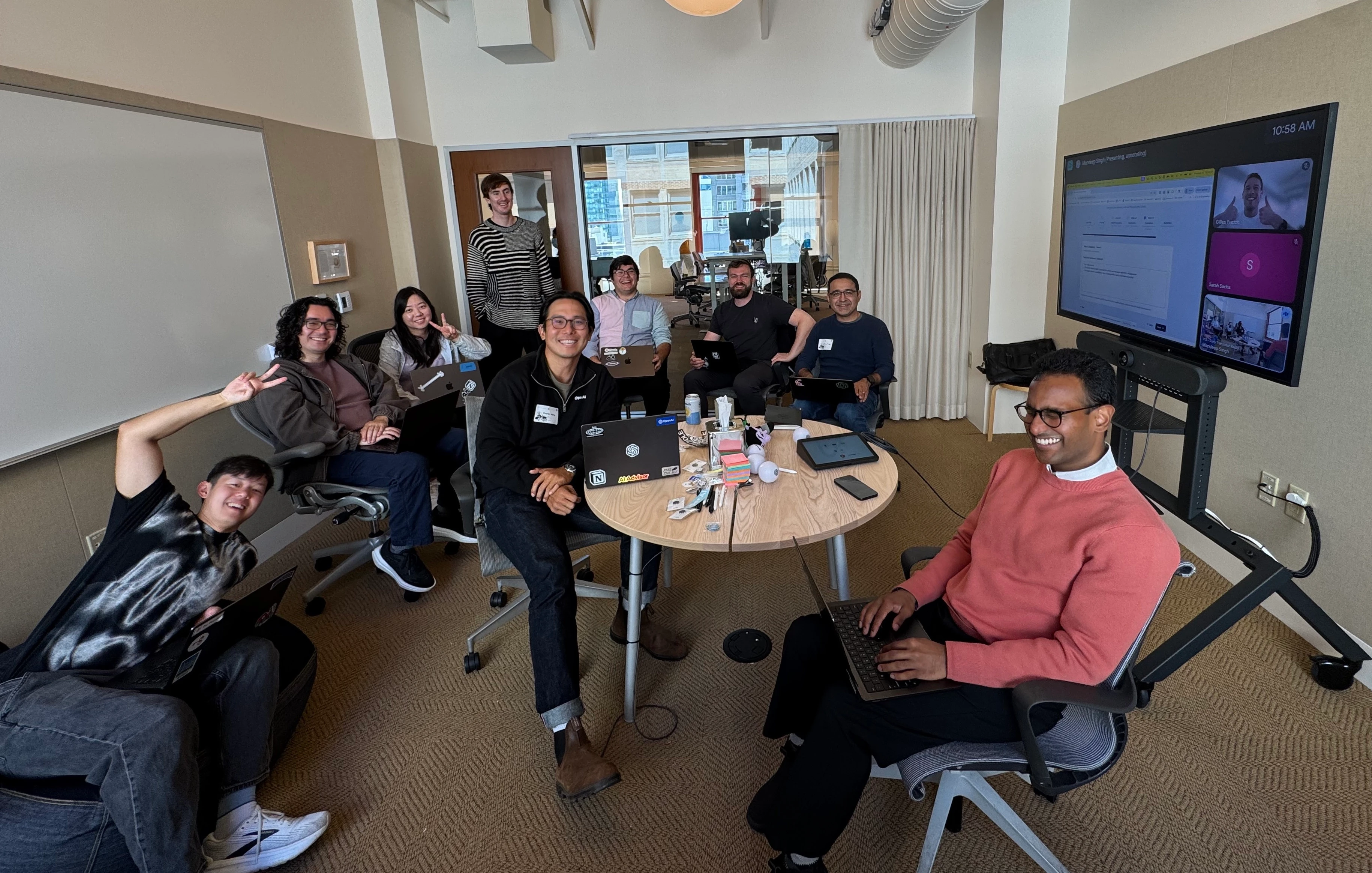
This outside-in testing helped shape product readiness, tune orchestration behaviors, and validate where GPT‑5 really moved the needle. OpenAI also uses Notion to coordinate projects and knowledge, with Notion AI embedded in daily workflows to speed up reviews and close the loop on feedback. This mutual usage creates a unique dynamic; both teams build with each other’s products, providing constant feedback and visibility into how the work performs in practice.
Notion’s rebuild wasn’t just about launching Notion 3.0. It was about designing a system that could support new model capabilities and adapt as those models get smarter. Their approach offers a clear roadmap for other teams deploying agentic AI in production:
- Evaluate what matters. Use tasks your users actually do, not synthetic benchmarks.
- Test the hard stuff. GPT‑5 shines when information is ambiguous, outdated, or multi-step.
- Architect for autonomy. If agents are making decisions, your system has to give them room to reason and tools to act.
- Clarity drives performance. Even top models fall short without clean tool descriptions and good interface design.
- Rebuilding is better than patching. If your system was built for completion models, it might not scale to agents.
“We’re already seeing returns from the rebuild,” says Sachs. “If the next model unlocks something new, we’ll do what it takes to support it.”