Privacy that puts you in control
Making it easy for you to be in control of your data
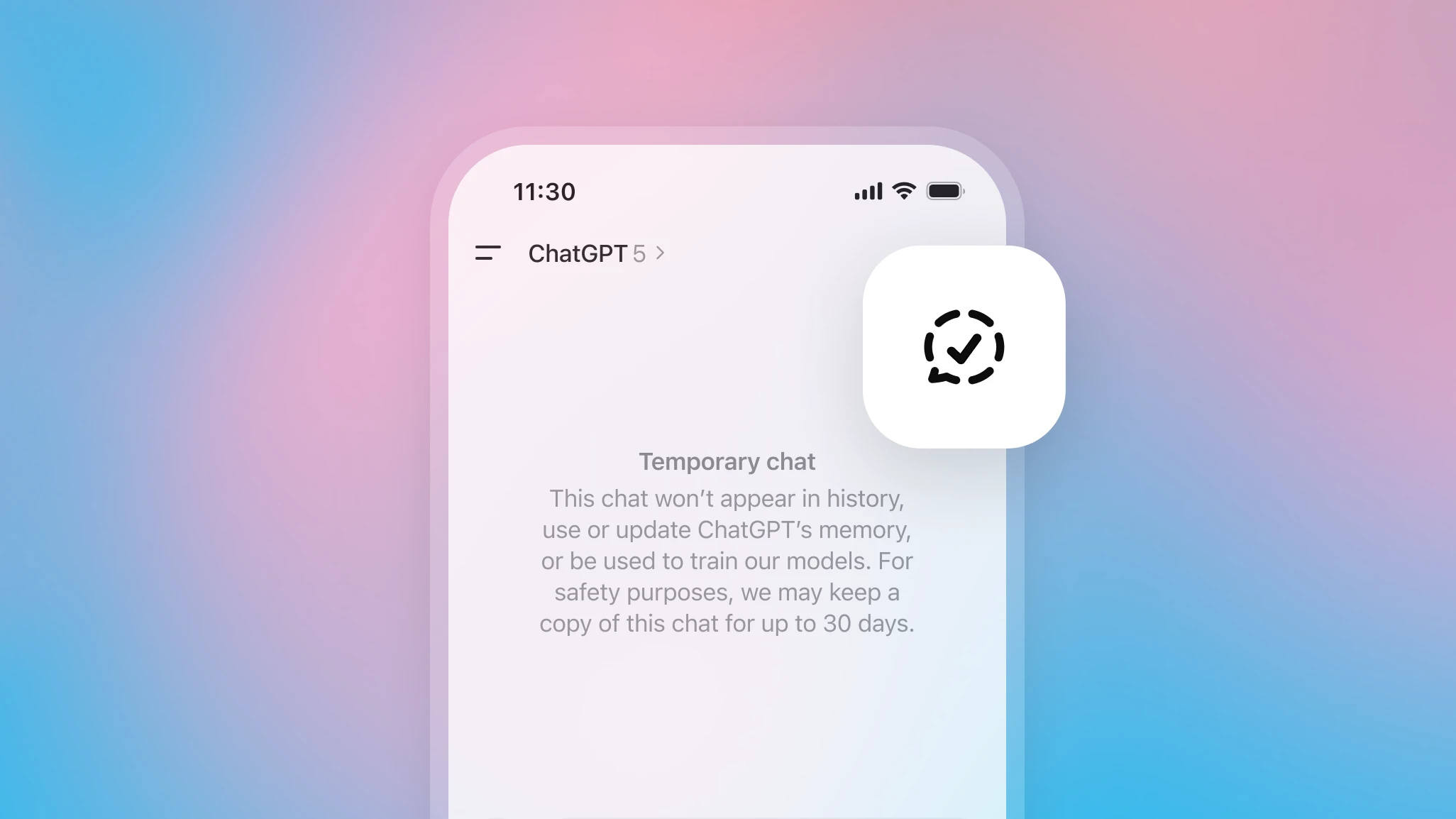
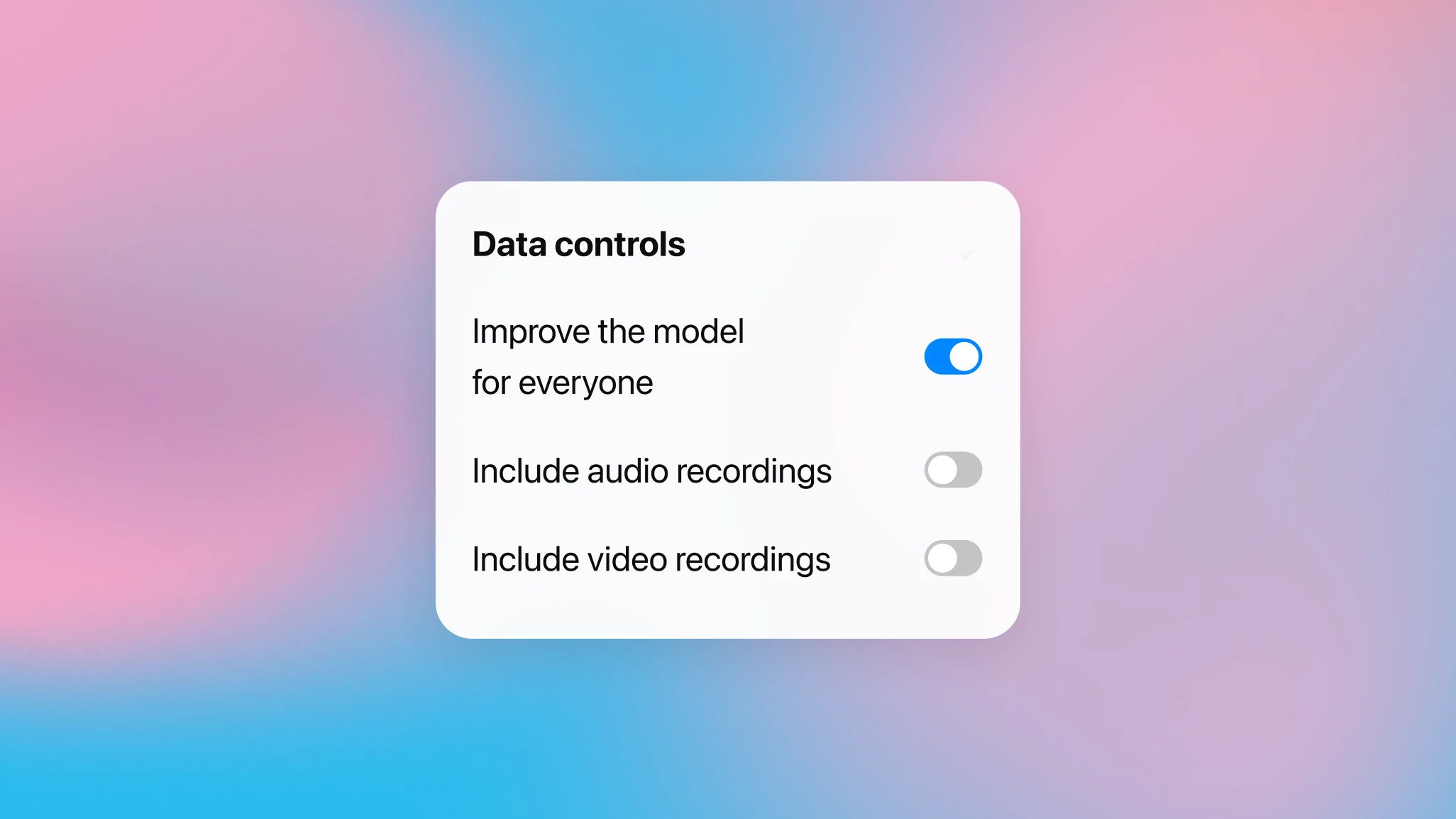
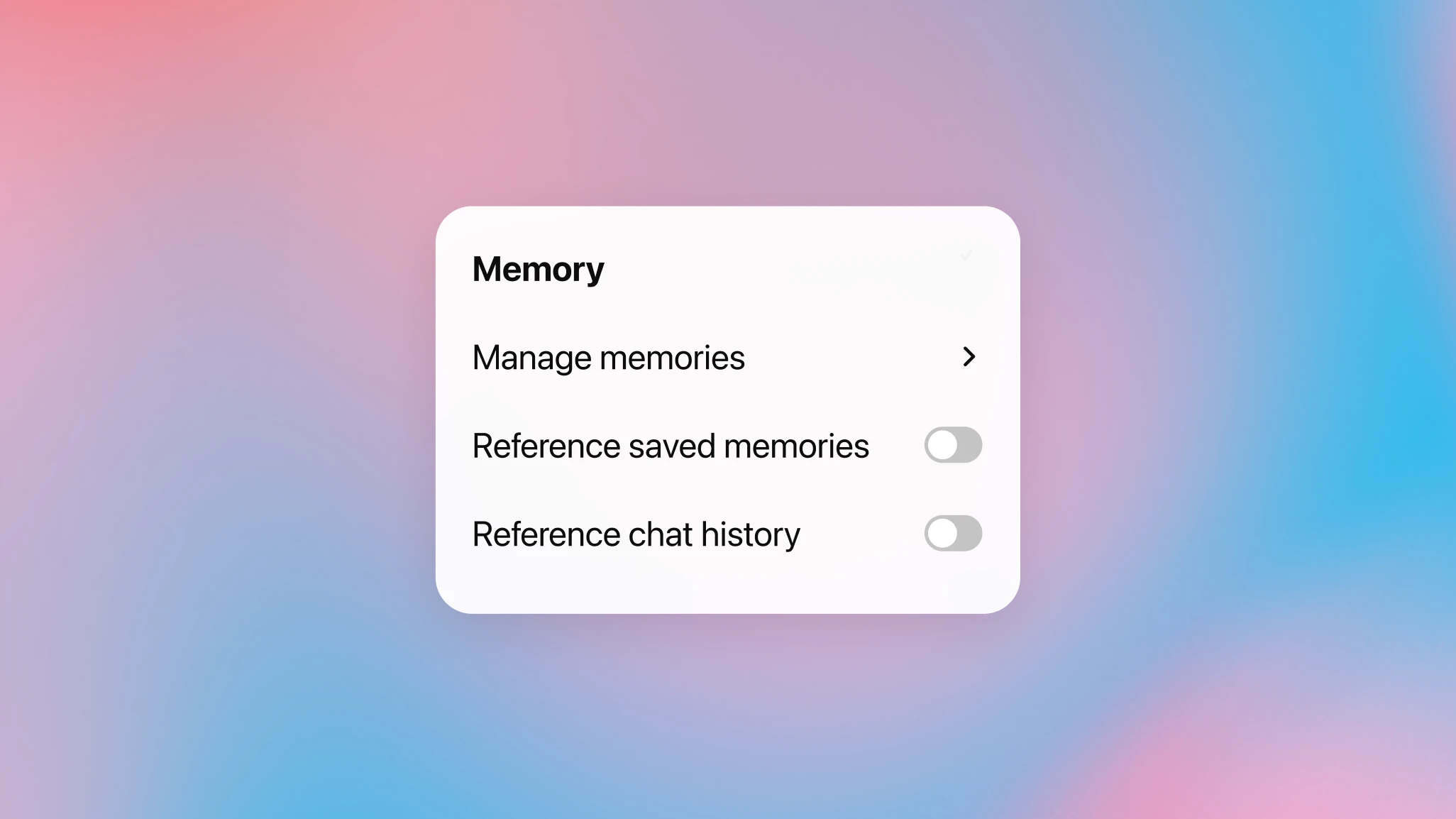
Sometimes you want to ask something sensitive that you don’t want saved. With temporary chats, your conversations are automatically deleted, don’t inform your ChatGPT memory, and aren’t used to train our models. You can easily start one anytime by tapping the temporary chat icon.

You’re in control as you browse with ChatGPT Atlas
ChatGPT Atlas helps you explore the web with ChatGPT. You’re in control of what ChatGPT can see and remember as you browse. By default, we don’t use your browsing to train our models. You can always clear specific pages, clear your entire browsing history, or open an incognito window to temporarily log out of ChatGPT.

Create in Sora, share on your terms
With Sora, you can turn your ideas into hyperreal videos—and you’re always in charge of your creations. You choose what’s shown in the Explore feed and whether your videos are used to train the model. When you create a character so your likeness can appear in Sora videos, you choose who can use it (e.g., only you, people you approve, or broader access), how you appear, and review drafts that include you.
Privacy, designed into every layer

We review every launch with privacy in mind
We build privacy safeguards into our models and every feature, from design to launch to post-launch monitoring.

We reduce the amount of personal information used to train our models and make the product work
Our models are built to learn about the world, not about private individuals. We don’t seek out personal information, we don’t build profiles from public data, and we work to identify and remove personal identifiers from training sets wherever possible.

Our models are trained to avoid private or sensitive information
We actively train our models to decline when asked for private information about real people—like addresses or contact information. We continuously test and update these safeguards so the models get better over time.