Build every step of agents on one platform
Ship production-ready agents faster and more reliably across your products and organization.

Leading organizations build agents with OpenAI
“Agent Builder transformed what took months of orchestration, custom code, and manual optimization into hours—getting an agent live in two sprints instead of two quarters.”
70%
reduction in iteration cycles
40%
faster agent evaluation timelines
2 weeks
of custom front-end UI work saved when building an agent
30%
increased agent accuracy with evals
75%
less time to develop agentic workflows
The complete platform for agent development
AgentKit gives you the tools to build agentic workflows, deploy UI, and optimize performance, fast and reliably.

Build with Agent Builder and the Agents SDK
Design agents on a visual-first canvas or in a code-first environment—both powered by the Responses API.

Build workflows visually with drag-and-drop nodes, versioning, and guardrails. Use templates or start from a blank canvas.
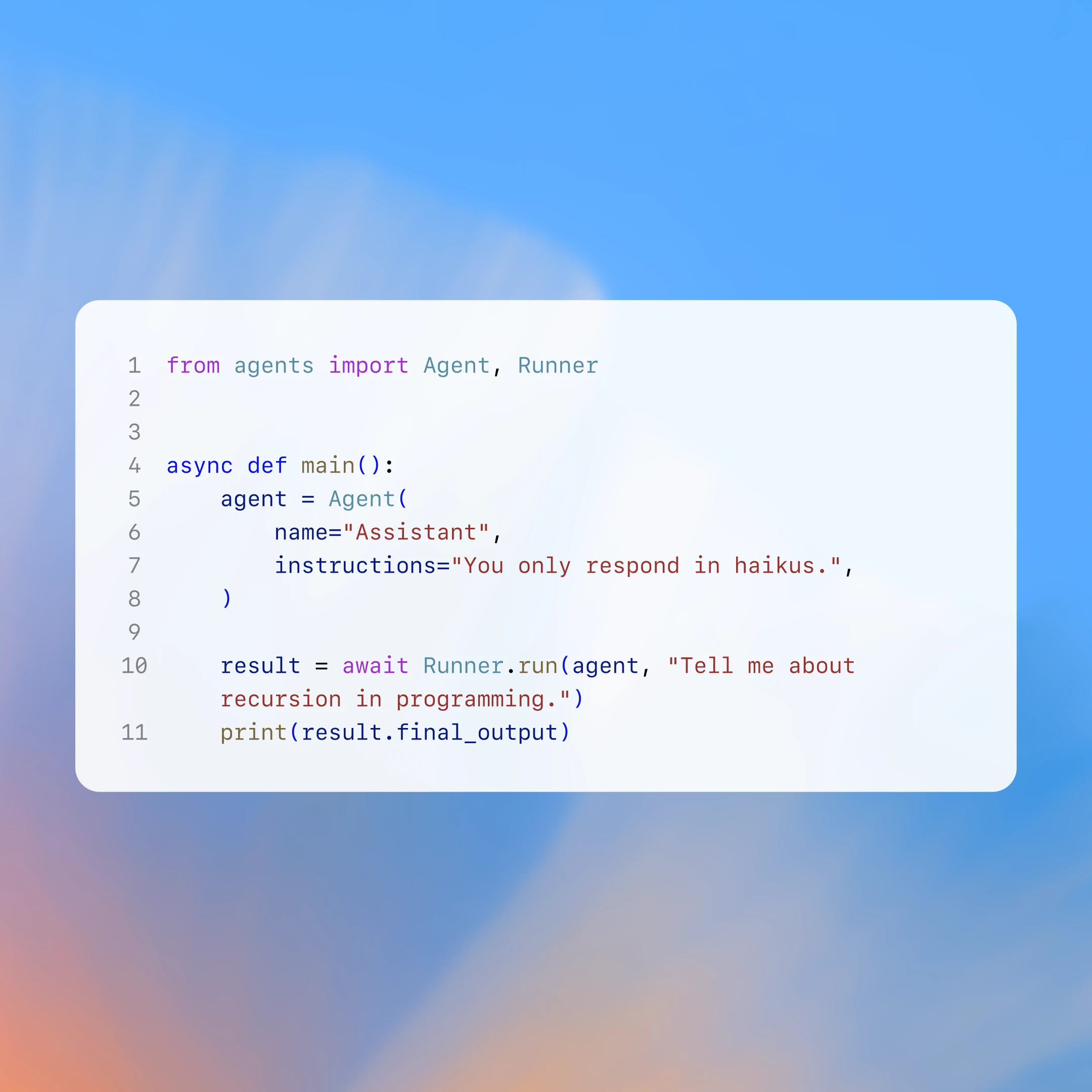
Build agents in Node, Python, or Go with a type-safe library that’s 4× faster than manual prompt-and-tool setups.
Built-in tools for smarter tasks
Our models use tools to bring in relevant context—making responses more accurate and helpful.
Access up-to-date and clearly cited answers from the Internet.
Create images from natural language and iterate with high-fidelity.
Build computer-using agents that complete browser-related tasks on your behalf.
Connect to popular business apps and MCP servers to pull internal and external context into our models.
Deploy with ChatKit
Launch fully integrated chat experiences with drag-and-drop customization.
Ramp’s buyer agent, powered by AgentKit.
Optimize with Evals
New tools help you test and refine agents with more precision and efficiency.

Evals
Run evals(opens in a new window) and set custom graders(opens in a new window) to determine whether the agent is performing to your expectations on your specific use case.

Prompt optimization
Improve prompts through automatic prompt optimization(opens in a new window) based on the results of your eval runs.

Trace grading
Set the pass criteria once and let LLM graders evaluate the last 100—or 1,000—executions of your workflow.